30-second single takes
Kling 4.0 holds one continuous shot for 3 to 30 seconds, double what Kling 3.0 allowed. A reveal can build, a conversation can breathe and an action beat can land without cutting to a second clip and hiding the seam.
Turn a prompt or an image into a 30-second cinematic shot. Kling 4.0 renders up to 4K, follows up to 10 keyframes, mixes 15 references and generates stereo audio with lip-sync in the same pass.
Meet the model
Kling 4.0 is the newest flagship AI video model from Kuaishou's Kling AI. It turns text, images and reference clips into cinematic video, with a single take running from 3 up to 30 seconds. That is twice the 15-second ceiling of Kling 3.0, which is enough for a scene to actually play out instead of ending right as it starts.
The big shift in Kling 4.0 is control. You can pin up to 10 keyframes along the timeline, feed in up to 15 references (images, video clips, saved characters and voice samples) and write prompts of up to 8,000 tokens. The model builds one continuous shot that respects all of it, with stereo sound and lip-synced dialogue generated together with the picture.
Output goes up to 4K in 16:9, 9:16, 1:1 or the new 21:9 ultrawide format. 10-bit HDR and clip extension up to 2 minutes are on the way. Our Kling 4.0 AI video generator puts all of this in your browser, with no install and no waitlist.
Sep 27, 2026
Kling 4.0 announced by Kuaishou
Sep 28, 2026
Kling 4.0 Flash early access opens
October 2026
Full Kling 4.0 rollout
Gallery
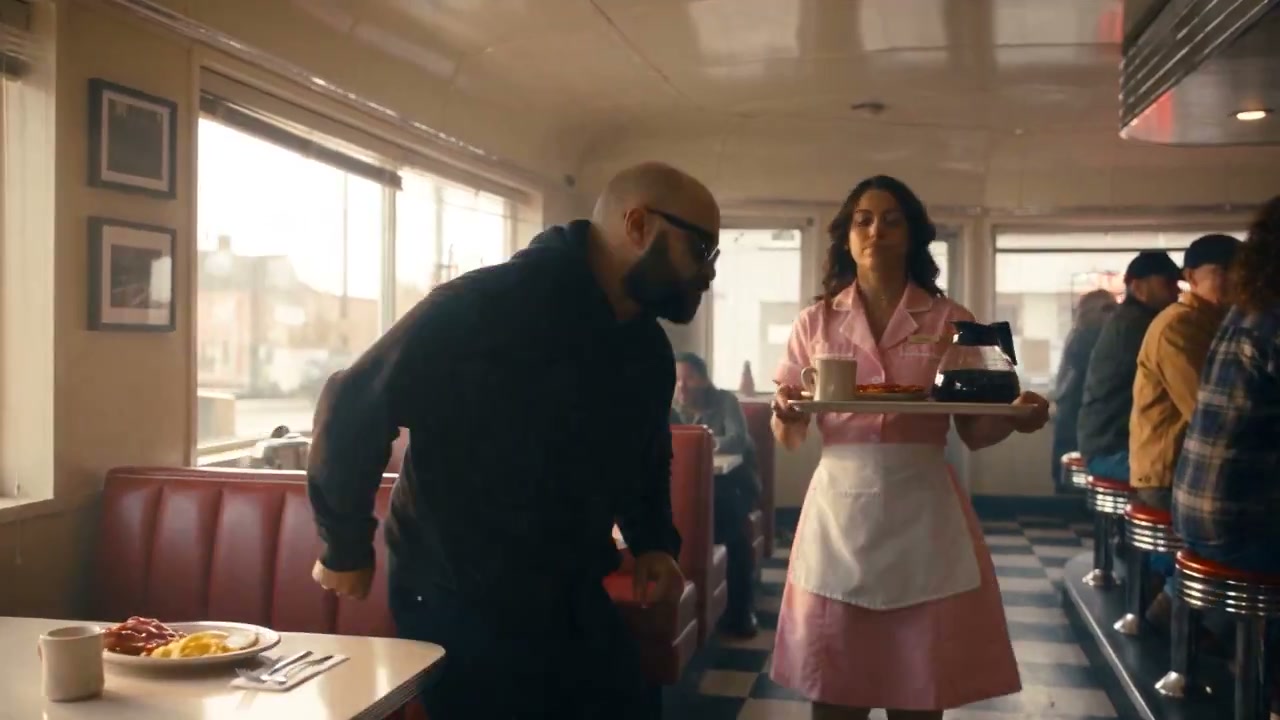
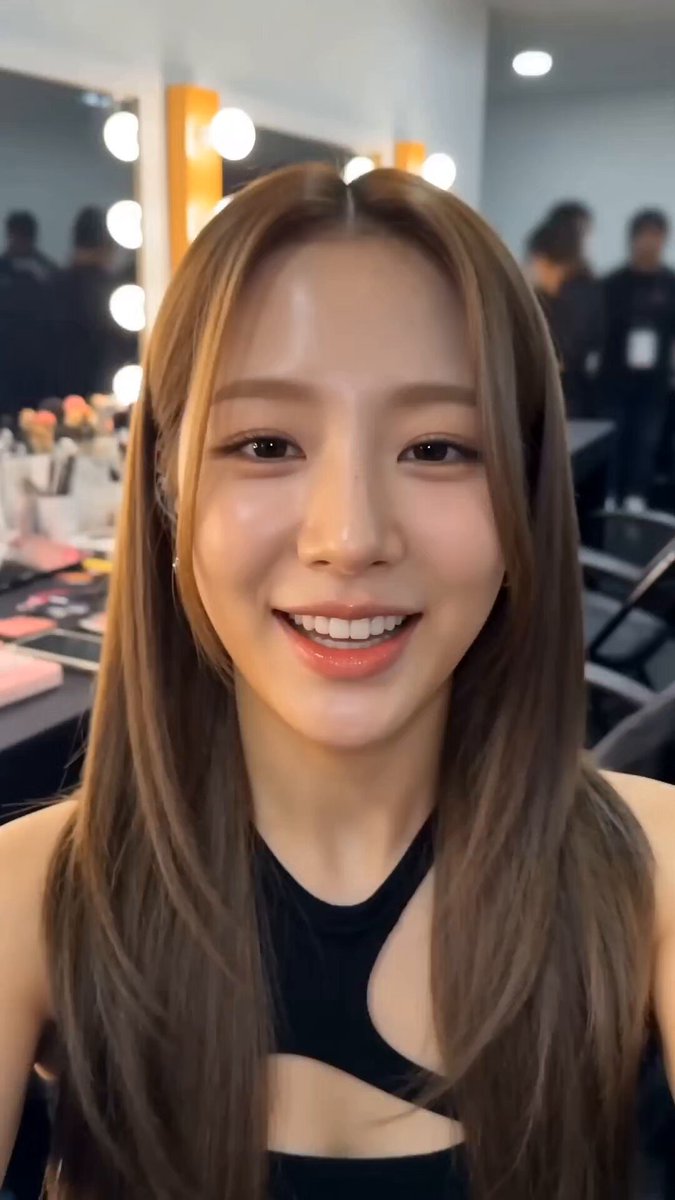
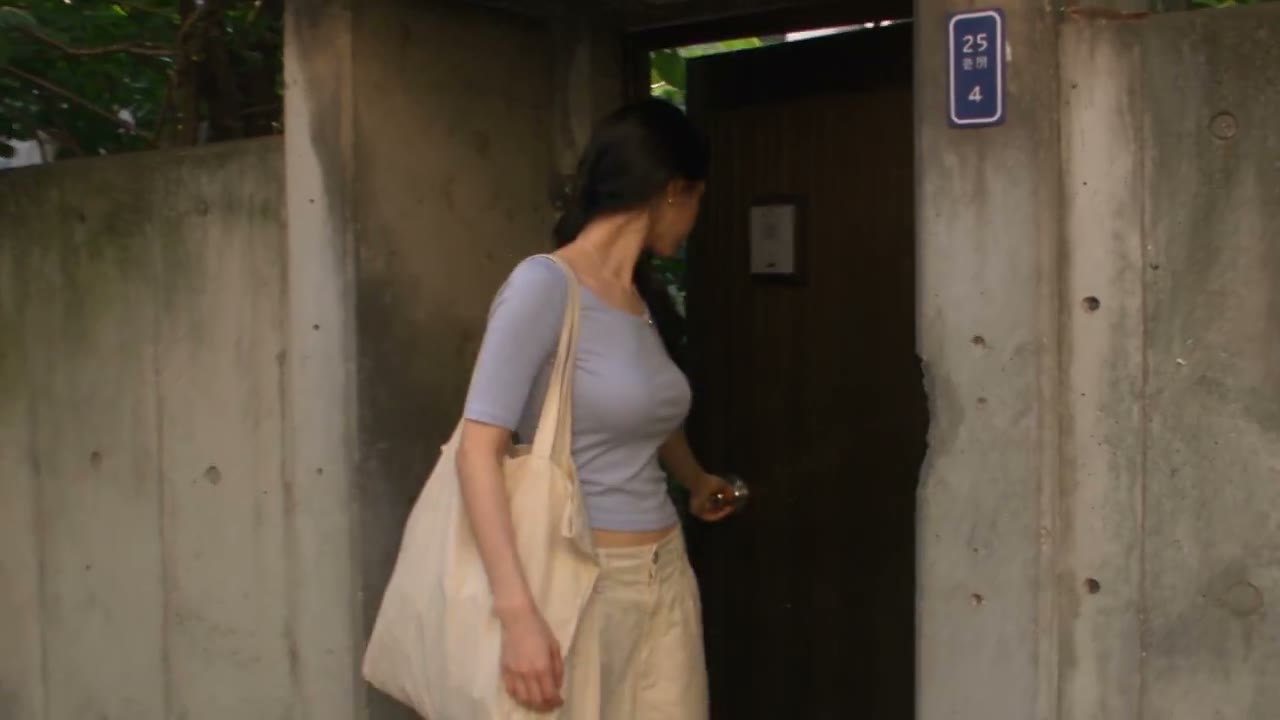
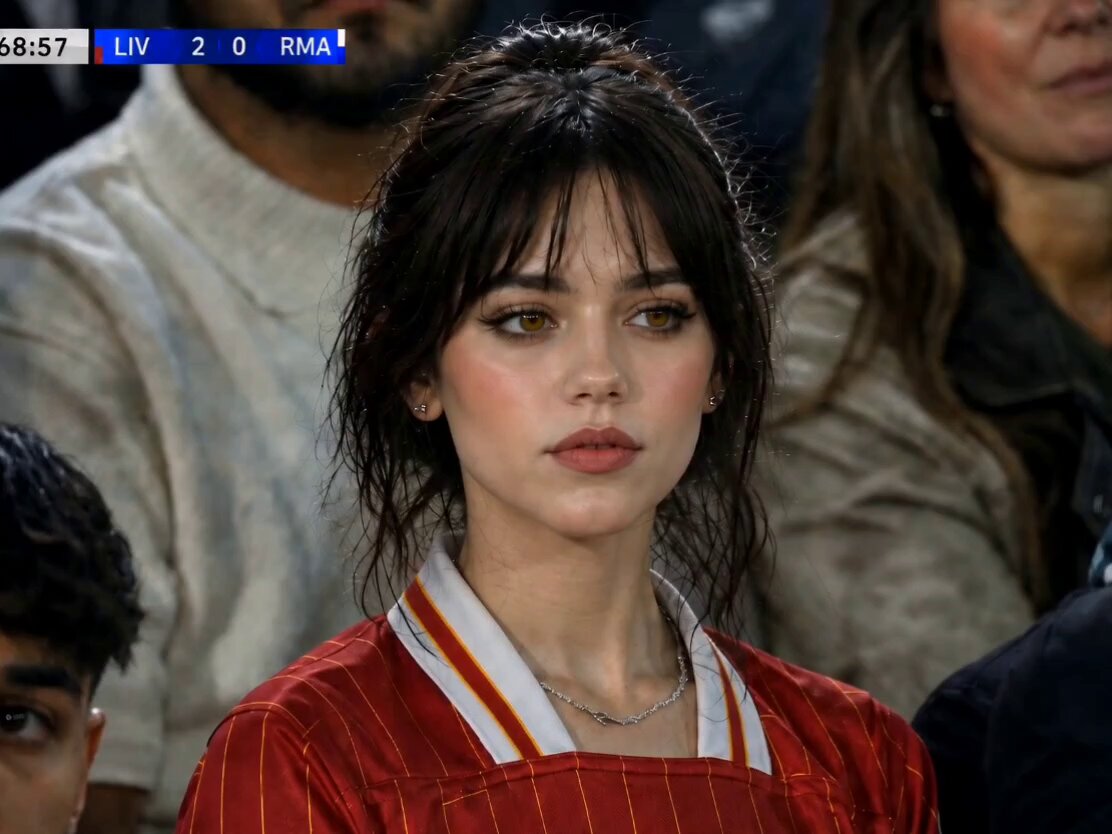
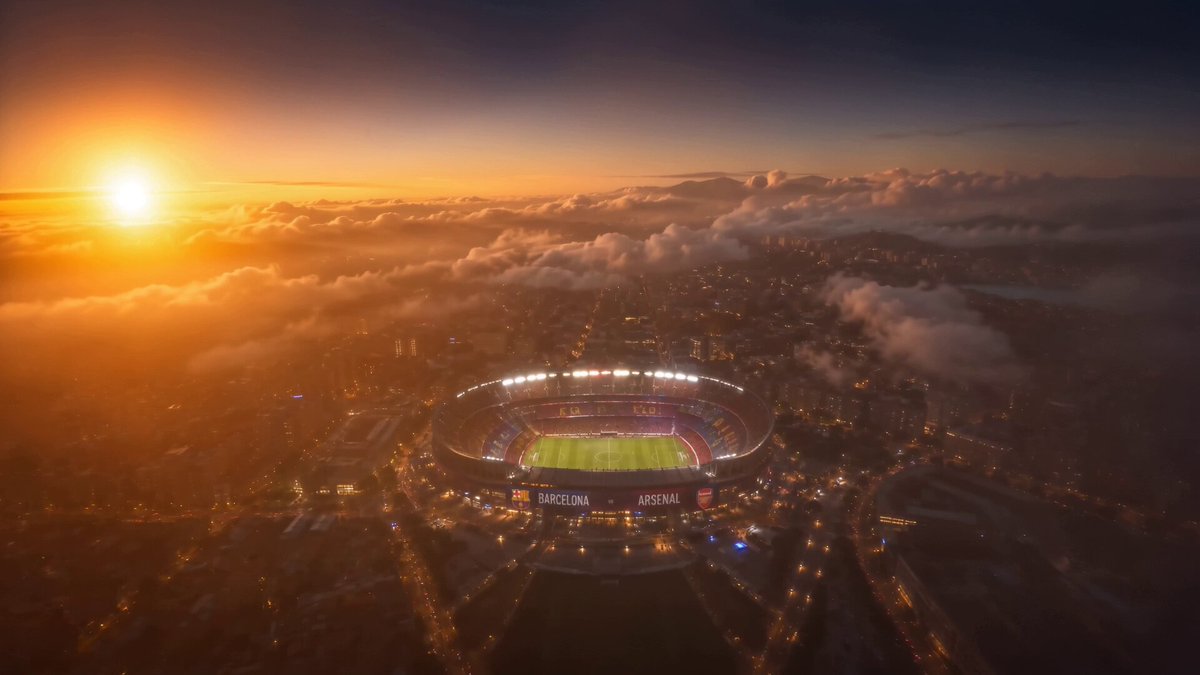
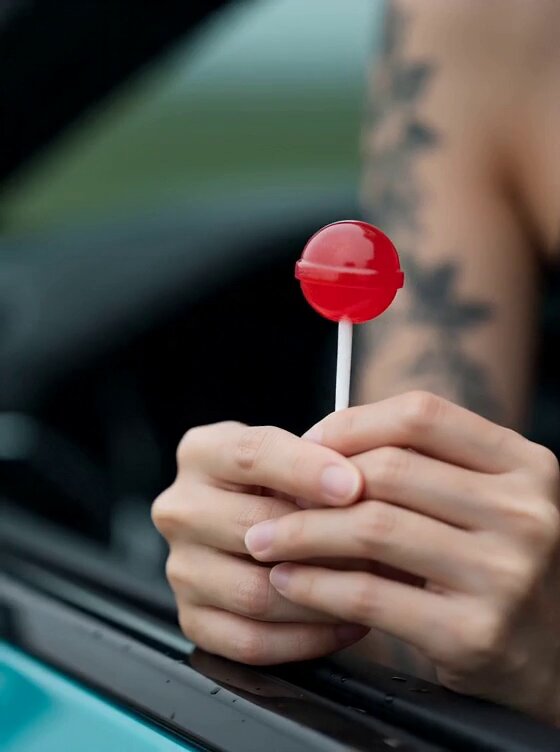
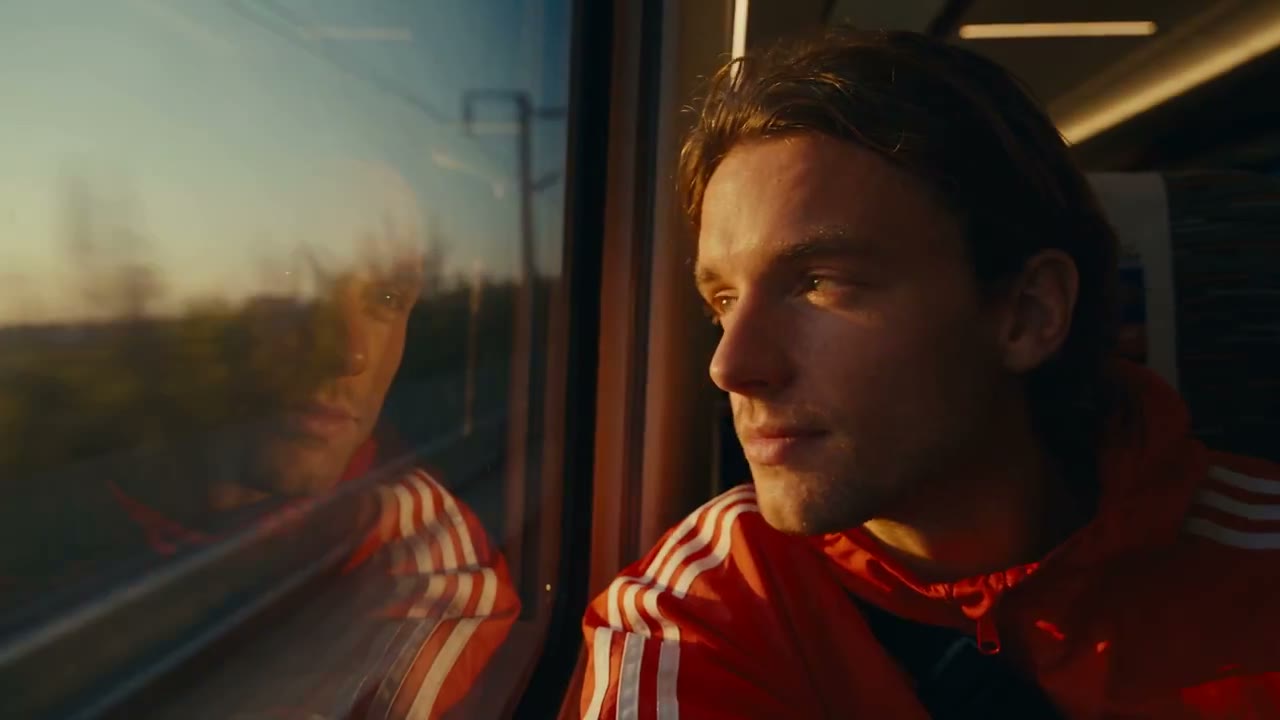
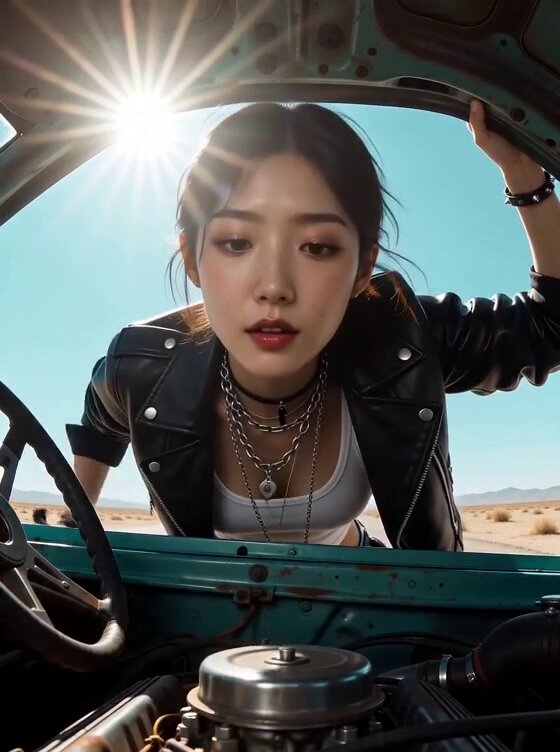
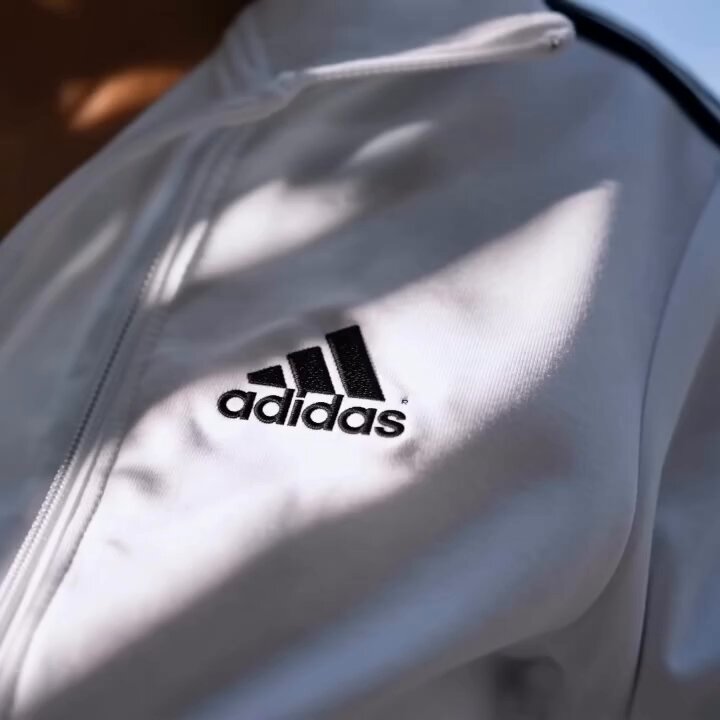
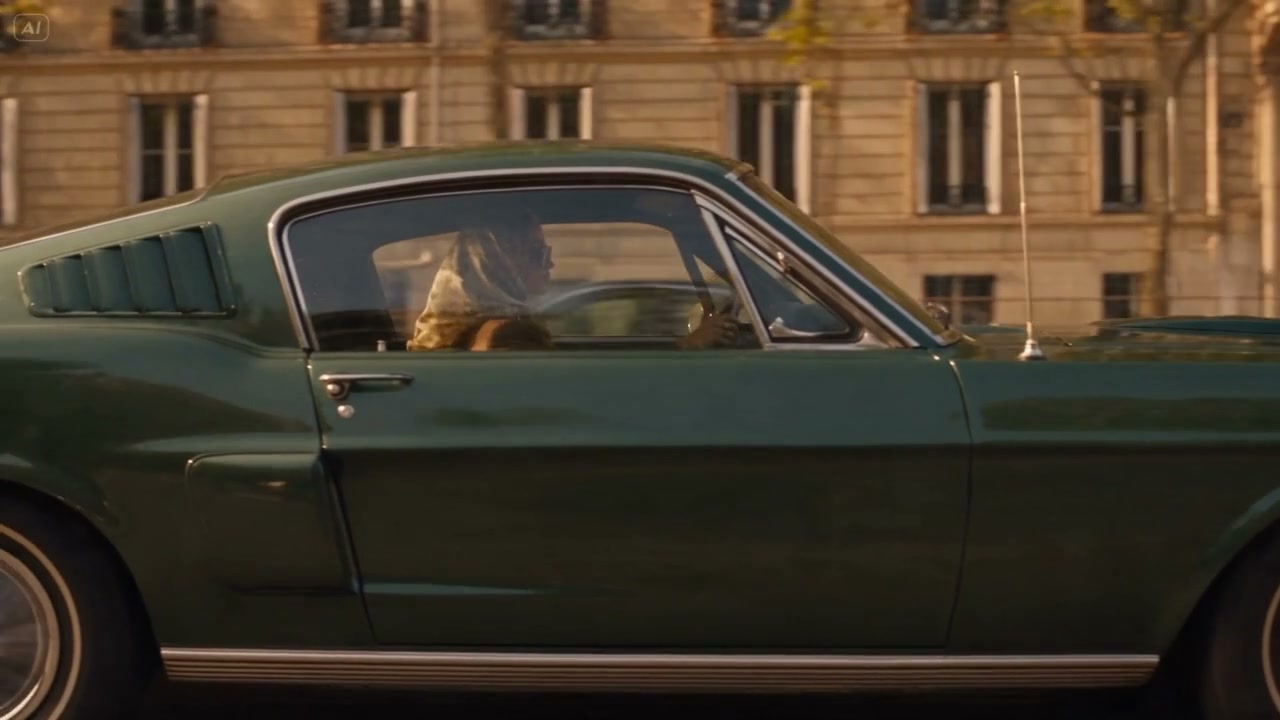
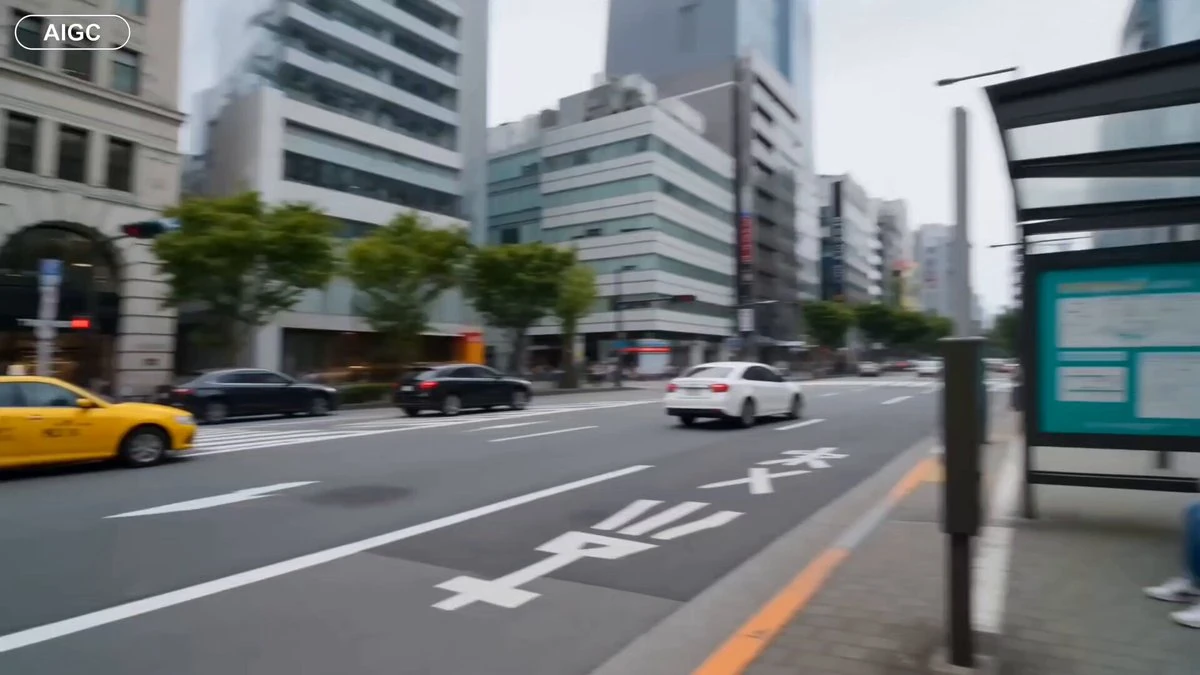
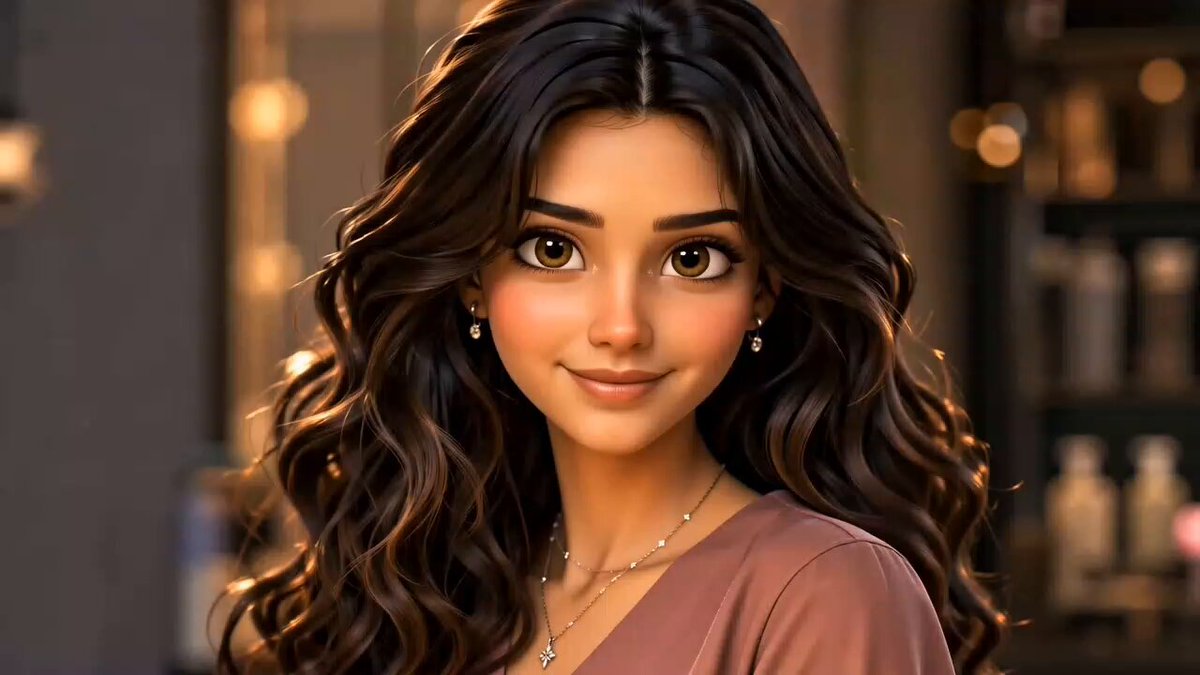
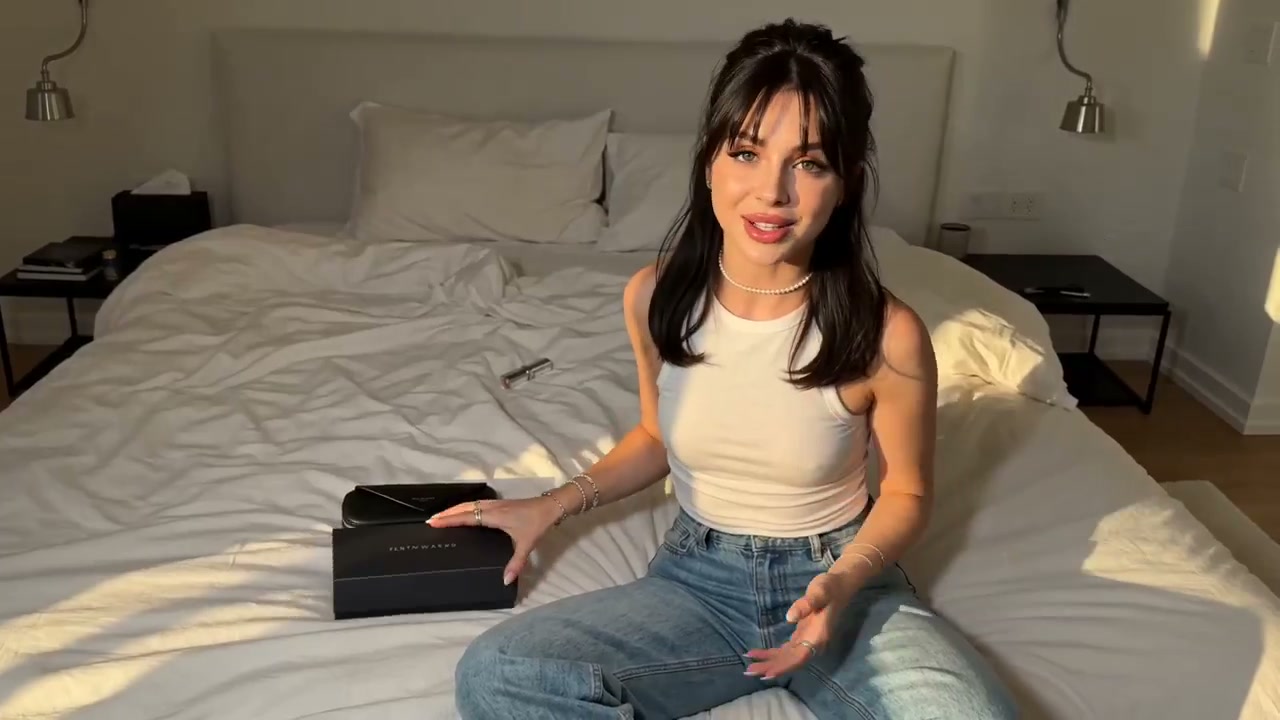
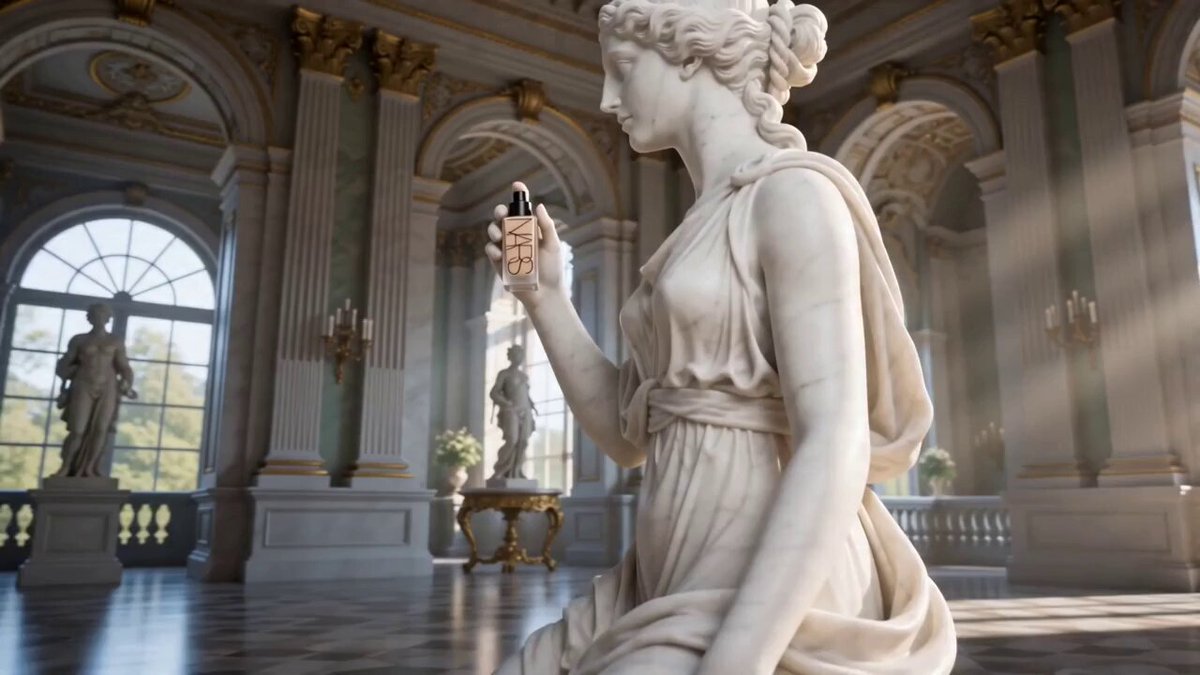
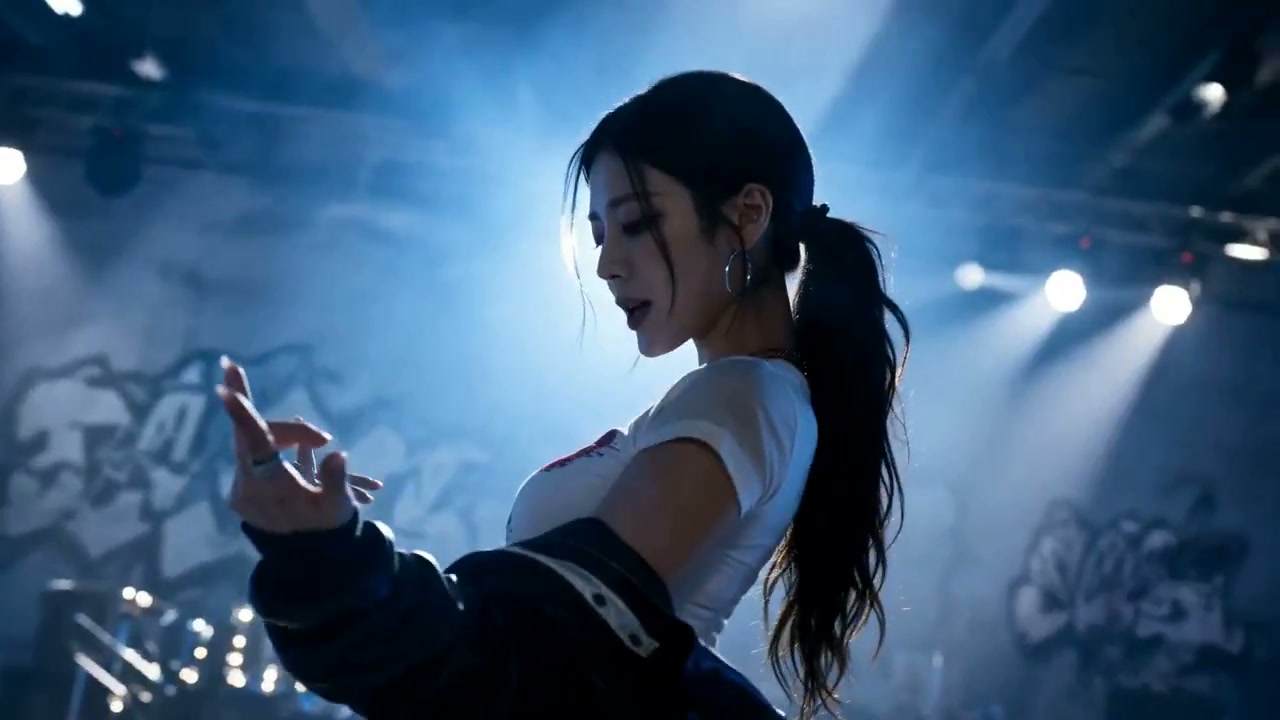
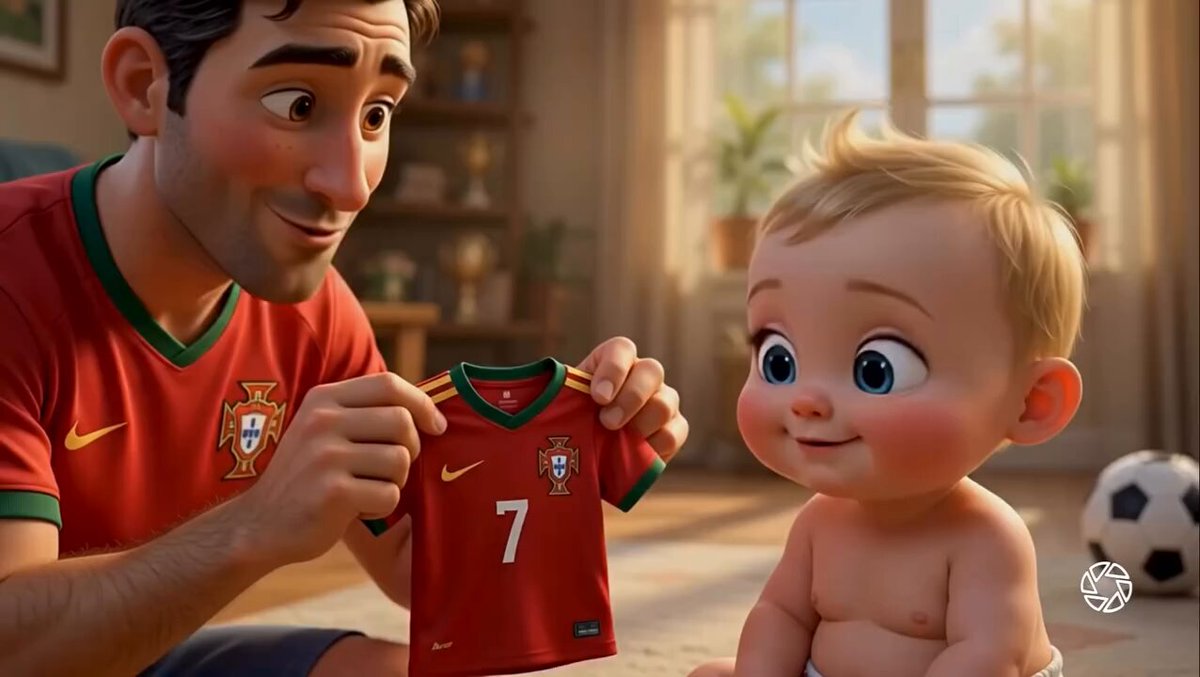
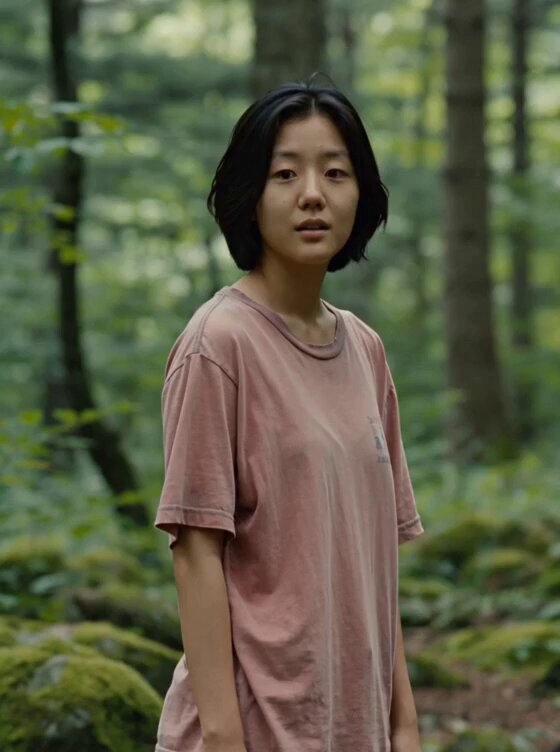
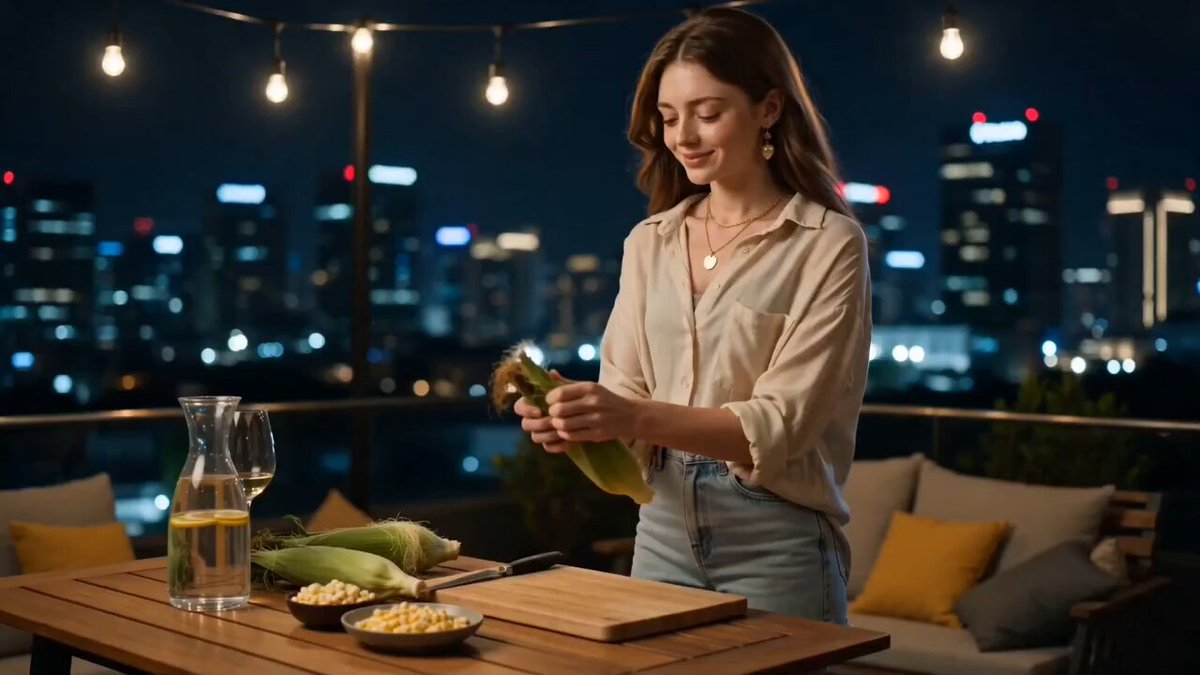
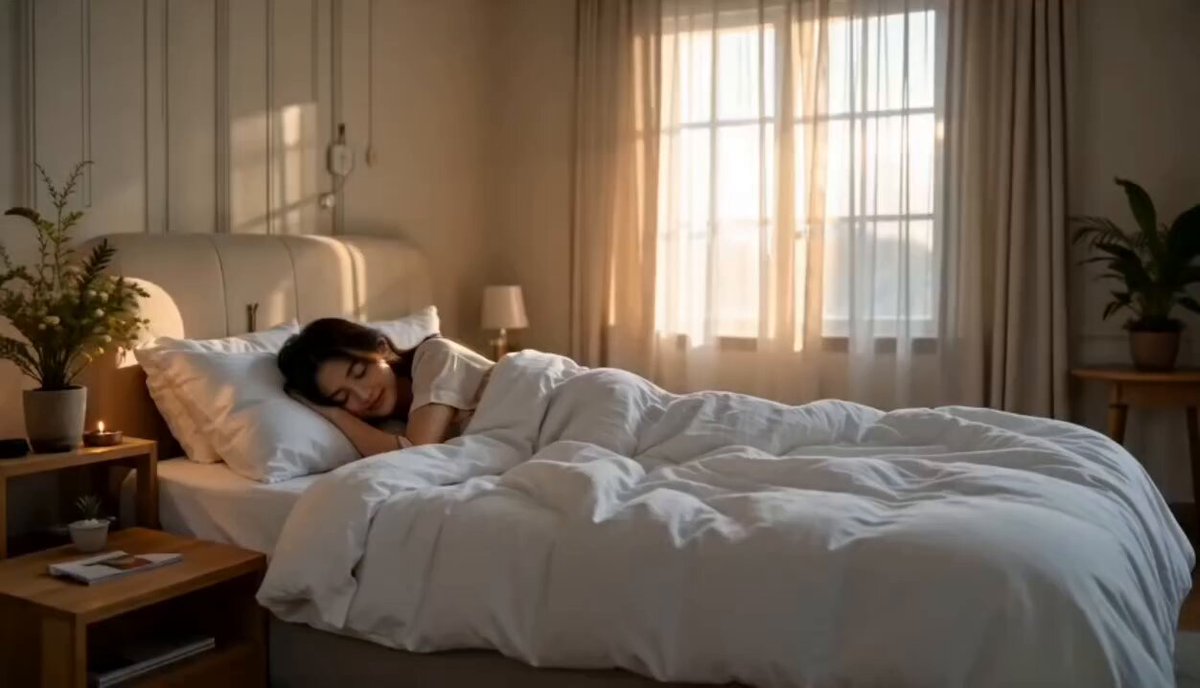
Hover to preview, click to watch with sound, then load any prompt straight into the generator and make it your own.
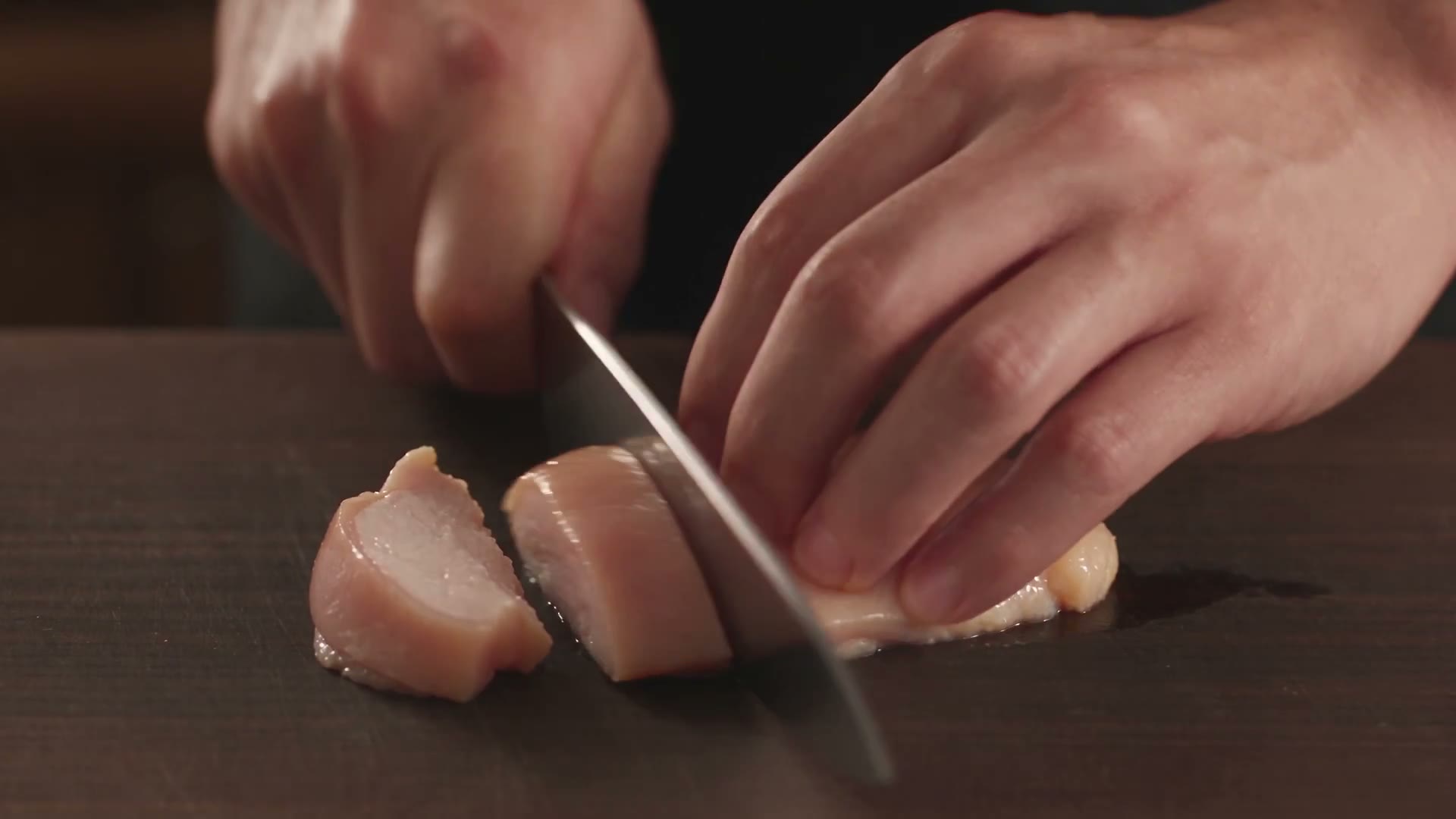
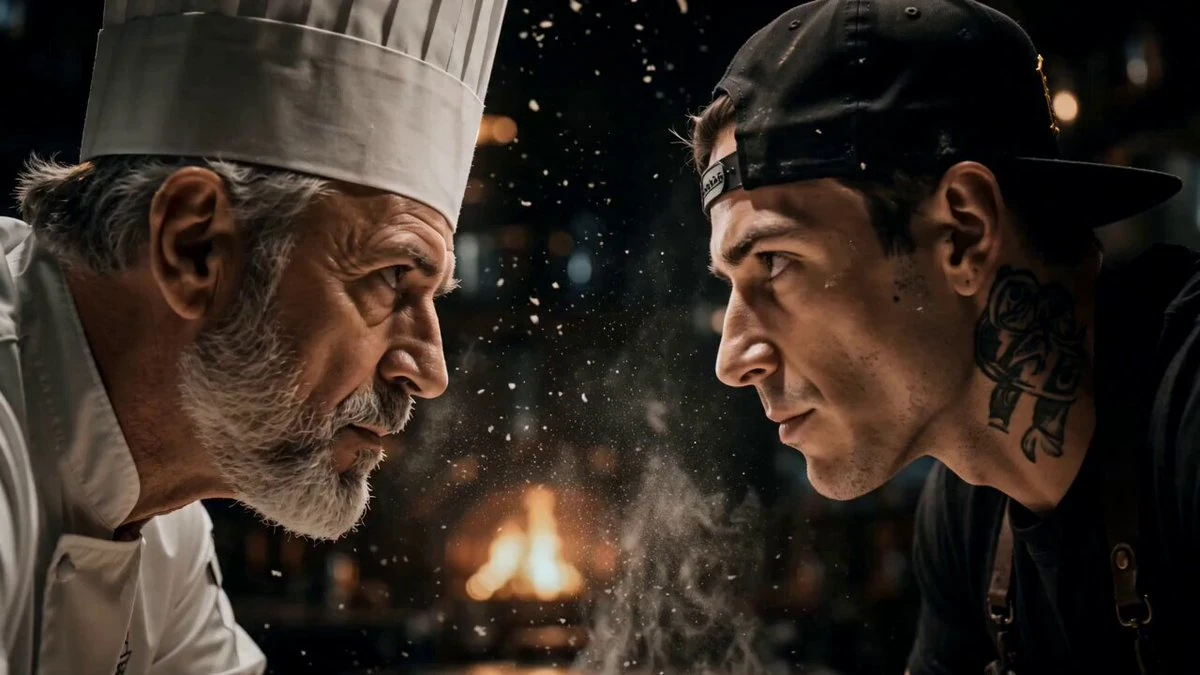
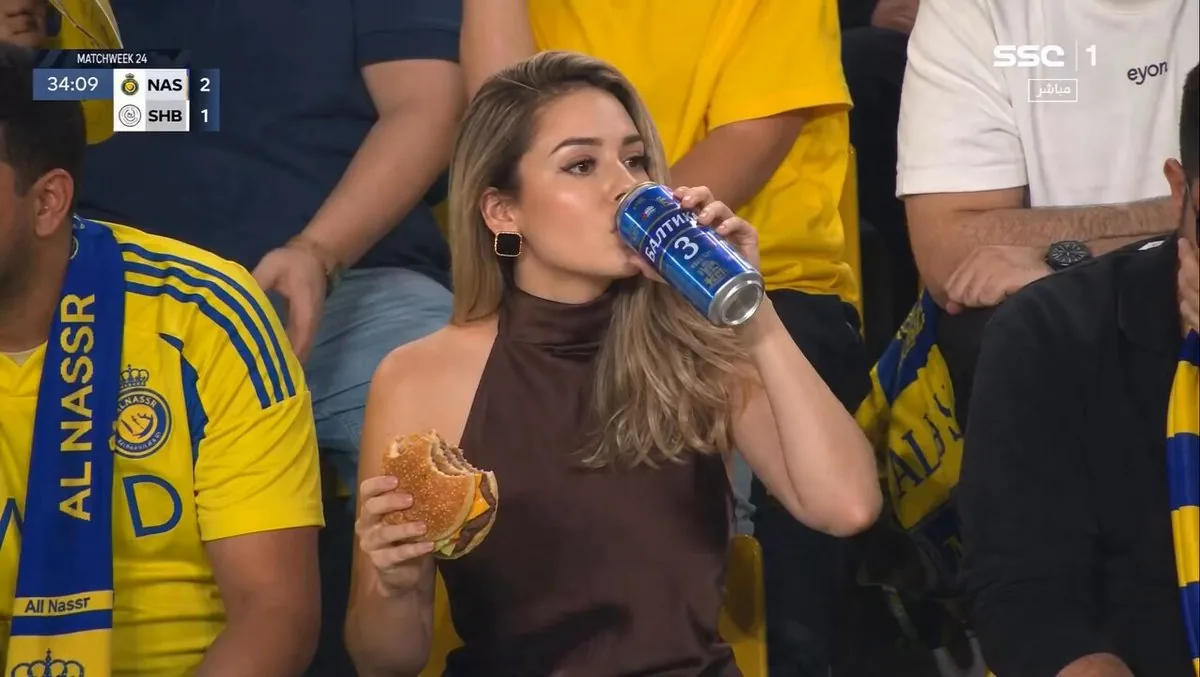
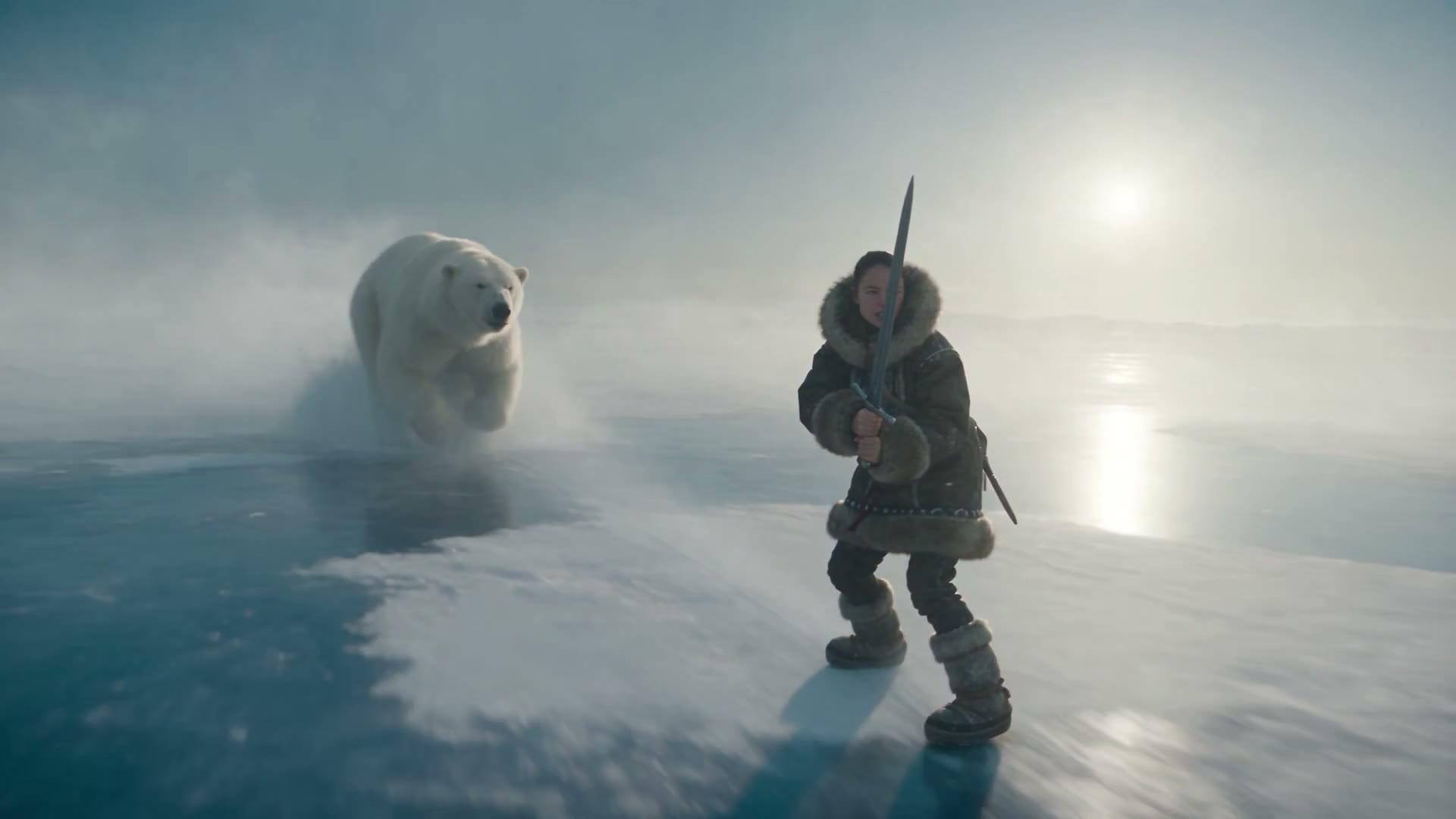


Features
Longer takes, finer control and sound built in. Here is what Kling 4.0 brings to every generation.
Kling 4.0 holds one continuous shot for 3 to 30 seconds, double what Kling 3.0 allowed. A reveal can build, a conversation can breathe and an action beat can land without cutting to a second clip and hiding the seam.
Render at 720p for drafts, 1080p for social or 4K for the big screen. 10-bit HDR on 1080p and 4K is coming soon for richer highlights and cleaner grading.
Go beyond a first and last frame. Place up to 10 keyframes and Kling 4.0 builds one continuous shot that passes through each of them.
Combine up to 10 images, 5 video clips (up to 30 seconds total), up to 7 saved characters or objects and voice samples in a single generation. Faces, products, wardrobe, motion and sound stay locked to what you gave it, not to what the model guesses.
Save a character once and attach a voice reference. They look and sound the same in every new scene you put them in.
Dialogue, ambience and effects are generated with the picture in two-channel stereo. Lip-sync covers 9+ languages, and accents range from American and British to Indian.
Write a proper script. Describe several beats, camera moves, lighting changes and lines of dialogue in one prompt, and Kling 4.0 keeps track of the whole thing.
Alongside 16:9, 9:16 and 1:1, Kling 4.0 adds a true 21:9 frame for trailers, film pitches and anything that should feel like cinema.
Creation modes
Start from words, from a single frame or from a whole folder of references. Kling 4.0 adapts to how you like to work.
Describe the scene and Kling 4.0 handles the rest: subject, action, camera, lighting and sound. With 8,000-token prompts you can write the shot beat by beat, like a real script.
Model versions
Two versions of the same model. Pick full quality for the final cut, or Flash for fast, low-cost drafts.
The full model for finished work, ads and anything that needs maximum detail.
A lighter version tuned for speed and cost, made for drafts and high-volume social batches.
Upgrade
The upgrade at a glance. Kling 4.0 goes further on length, control, references and sound.
| Capability | Kling 3.0 | Kling 4.0 |
|---|---|---|
| Max single-shot length | 15 seconds | 30 seconds |
| Keyframe control | Start and end frame | Up to 10 keyframes |
| References per generation | Fewer reference slots | Up to 15 (images, clips, characters, voices) |
| Audio | No stereo output | Stereo audio, lip-sync in 9+ languages |
| Prompt length | Shorter prompt limit | Up to 8,000 tokens |
| Aspect ratios | No 21:9 option | 16:9, 9:16, 1:1 + 21:9 ultrawide |
| Color | No HDR | 10-bit HDR Coming soon |
| Video extension | — | Up to 2 minutes Coming soon |
How it works
From idea to finished clip in minutes, right in your browser.
Step 1
Upload a starting image, keyframes or reference files, or skip this step and go straight from text. References keep faces, products and style consistent.
Step 2
Describe what happens, who is in frame, how the camera moves and what we hear. Pick duration, resolution and aspect ratio to match where the clip will be used.
Step 3
Hit generate and your Kling 4.0 video, with sound, appears in the panel. Download it, tweak the prompt for another take, or share it straight away.
Use cases
Anyone who needs a clip that holds together, not a pile of five-second fragments.
Make 9:16 clips for Reels, Shorts and TikTok with dialogue and ambience already synced. Use Flash to test hooks fast, then render the winner at full quality.
Turn one product photo into a set of ad variants. Omni Reference keeps the product, talent and brand look the same across every cut and every aspect ratio.
Pitch in motion. Block a 30-second scene with 10 keyframes, lock the cast with saved characters and present it in 21:9 so it reads like a film, not a storyboard.
Build intros, cutaways and story beats from a script. Characters keep their face and their voice across episodes, so a recurring host or mascot stays on-model.
Turn packshots into moving product videos without a studio day. Keep the SKU exact across angles and render in 4K for hero banners and product pages.
Show a process that stock footage doesn't cover. Narration with lip-sync in 9+ languages makes it easy to localize the same lesson for different audiences.
Prompt guide
Kling 4.0 reads long, specific direction well. Use these patterns to get the shot you imagined on the first try.
Subject + action + setting + camera + lighting + sound. Concrete direction like "slow dolly-in, golden-hour backlight" beats a list of adjectives.
With up to 8,000 tokens, break a 30-second shot into timed beats (0–10s, 10–20s, 20–30s) so the action unfolds in the order you want.
When composition matters, add keyframes for the moments you care about most and let Kling 4.0 handle the motion in between.
Write dialogue in quotes, name the language and accent, and list the ambience you want. Kling 4.0 generates stereo sound to match.
Product hero shot
A matte black wireless headphone rotates slowly on a wet obsidian pedestal. 0–10s: macro close-up gliding across the ear cushion stitching, soft rim light. 10–20s: camera pulls back as droplets fall in slow motion around the pedestal. 20–30s: wide shot, the headphone lifts gently into frame center while a deep bass hum swells. Studio lighting, high contrast, premium commercial look, subtle reflections, stereo ambience.
Two-person dialogue
Rainy night in a small Tokyo ramen shop, warm lantern light, steam rising from bowls. A tired detective in a trench coat sits at the counter. The elderly chef slides a bowl toward him and says in Japanese, "You look like you need this more than answers." The detective smiles slightly and replies in English with a British accent, "Tonight, maybe both." Slow push-in on the detective, rain audible on the window, soft kitchen sounds, cinematic 21:9 framing, film grain.
Vertical travel reel
Vertical 9:16 travel reel, golden hour on the Amalfi Coast. 0–8s: drone shot rising over pastel cliffside houses. 8–18s: a young woman in a linen dress walks down stone steps toward the sea, handheld follow shot. 18–30s: she jumps off a wooden pier into turquoise water, slow motion splash, then surfaces laughing. Warm color grade, gentle waves, seagulls, distant Italian chatter.
Testimonials
Early feedback from people putting Kling 4.0 to work.
Thirty seconds in one take changes how I plan. I block the whole beat with keyframes, render once and stop stitching fragments together.
We draft hooks in Flash in the morning and render the winners in full quality after lunch. Omni Reference keeps our product exactly on-model in every cut.
The stereo audio surprised me. Dialogue lands on the lips and the room sounds like a room. I barely touch sound in post anymore.
One packshot plus a couple of reference clips gives me a 4K product video that actually looks like our SKU. That used to take a studio day.
I write the lesson once and generate the narration in several languages with matching lip-sync. Localizing training content went from weeks to an afternoon.
My channel mascot finally has a consistent face and voice. I saved the character once and it shows up the same in every episode.
FAQ
Everything you need to know about the Kling 4.0 AI video generator.
Kling 4.0 is the latest flagship AI video model from Kuaishou's Kling AI. It generates cinematic video from text, images and reference clips, with single shots up to 30 seconds, output up to 4K, up to 10 keyframes, up to 15 references per generation and native stereo audio with lip-sync.
Kuaishou announced Kling 4.0 on September 27, 2026. The lighter Kling 4.0 Flash opened for early access on September 28, 2026, and the full Kling 4.0 model rolls out in October 2026.
Yes. New accounts get free credits, which is enough to generate your first videos and judge the quality yourself. After that you can top up with a credit pack or choose a subscription on the pricing page.
A single Kling 4.0 generation runs from 3 to 30 seconds as one continuous shot, twice the 15-second limit of Kling 3.0. Kling 4.0 Flash runs from 3 to 20 seconds. Video extension, which grows a clip up to 2 minutes, is coming soon.
Kling 4.0 outputs 720p, 1080p or 4K, and 10-bit HDR on 1080p and 4K is coming soon. Supported aspect ratios are 16:9, 9:16, 1:1 and the new 21:9 ultrawide format. Kling 4.0 Flash outputs 720p in 8-bit SDR.
Along with first- and last-frame control, you can place up to 10 keyframe images along the timeline. Kling 4.0 builds one continuous video that moves through each of them, so you decide the key compositions and the model fills in the motion.
Kling 4.0's Omni Reference takes up to 15 references in one generation: up to 10 images, up to 5 video clips (30 seconds total), up to 7 saved characters or objects, and voice samples. Use them to lock faces, products, style, motion and voice.
Yes. Kling 4.0 generates two-channel stereo audio together with the video, including dialogue with lip-sync, ambience and sound effects. Dialogue works in 9+ languages, including English, Chinese, Japanese, Korean, Spanish, Portuguese, German, French and Hindi, with accents such as American, British and Indian.
Kling 4.0 is the full-quality model: 3–30 second clips at up to 4K. Kling 4.0 Flash is a lighter version built for speed and cost: 3–20 second clips at 720p in 8-bit SDR. Many creators draft in Flash and render final versions with the full model.
Kling 4.0 doubles single-shot length from 15 to 30 seconds, expands keyframe control from a start and end frame to up to 10 keyframes, accepts up to 15 references, adds stereo audio with broader multilingual lip-sync, supports 8,000-token prompts and adds the 21:9 ultrawide ratio. 10-bit HDR and 2-minute video extension are coming soon.
Videos you generate on a paid plan can be used in commercial work, including ads, social campaigns and client projects. Check our terms of service and acceptable use policy for the content rules that apply.
Direct the shot instead of describing a mood: name the subject, action, setting, camera move, lighting and sound. For longer clips, split the prompt into timed beats. Add reference images or keyframes whenever the exact look matters, and put dialogue in quotes with the language and accent you want.
Sign up for free credits and turn your next idea into a 30-second cinematic video with sound.